
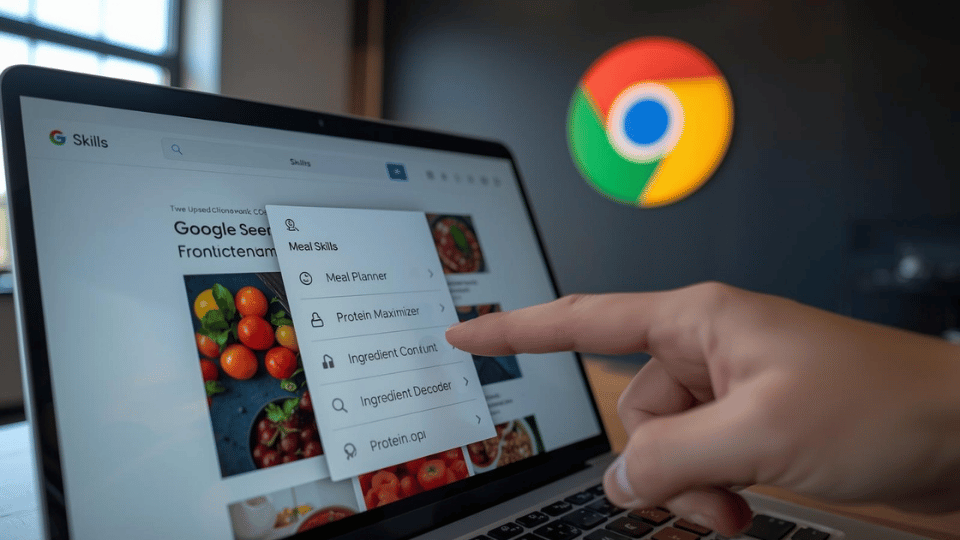
Google just made a major move to stop you from retyping the same thing over and over. On Tuesday, the company launched a new feature for Chrome called Skills. This tool allows you to save your most successful AI prompts and turn them into one-click actions that work across any website. It is a direct shot at new AI-first browsers like OpenAI’s Atlas and Perplexity’s Comet, proving that the world’s most popular browser can still learn new tricks.
The core idea is simple: eliminate the “copy-paste” cycle. If you have spent ten minutes perfecting a prompt to convert a recipe into a vegan version or to summarize a technical research paper, you can now save that prompt as a Skill directly from your Gemini chat history. Once saved, you can trigger that exact workflow on any new page by just typing a forward slash (/) or clicking the plus sign (+) in the Gemini side panel. You can even run a Skill across multiple tabs at once, which is perfect for comparing product specs across different shopping sites.
Google is also launching a Skills Library for people who are not prompt-engineering experts. This collection features ready-to-use workflows for common daily tasks. Early testers have used these to quickly calculate protein macros for online recipes, scan lengthy PDFs for high-priority data, or generate side-by-side price comparisons. If a library prompt is almost what you need but not quite perfect, you can “remix” it by saving it to your personal list and editing the instructions to fit your specific needs.
Safety is a big part of the rollout. Google is applying the same layered protections to Skills that it uses for the rest of Chrome. For sensitive tasks—like drafting an email or adding an event to your calendar—the system will always ask for manual confirmation before it takes action. This ensures that the AI remains a helpful assistant rather than an unguided robot.
The feature is rolling out now to Chrome desktop users on Windows, macOS, and ChromeOS. To see it, you need to be signed into your Google account with your browser language set to English (US). As the browser wars shift from simple search to full-blown automation, Google is betting that these micro-automations will keep users loyal to Chrome. It is a bold step toward making the browser an active partner in your work rather than just a window to the web.